Translated by AI model Qwen/Qwen3-8B.
Source Language: Simplified Chinese, Target Language: english, Translation Time: 2026-05-01 14:57
.AI translation is for reference only. Accuracy is not guaranteed, please refer to the original text.
image
Image tag is a tag designed for single image application scenarios, supporting image description text and specified width.
{% image 链接::width=宽度(可选)::height=高度(可选)::alt=描述(可选)::bg=占位颜色(可选) %}添加描述:
{% image https://gcore.jsdelivr.net/gh/volantis-x/cdn-wallpaper-minimalist/2020/025.jpg::alt=每天下课回宿舍的路,没有什么故事。 %}
指定宽度:
{% image https://gcore.jsdelivr.net/gh/volantis-x/cdn-wallpaper-minimalist/2020/025.jpg::width=400px %}
指定宽度并添加描述:
{% image https://gcore.jsdelivr.net/gh/volantis-x/cdn-wallpaper-minimalist/2020/025.jpg::width=400px::alt=每天下课回宿舍的路,没有什么故事。 %}
设置占位背景色:
{% image https://gcore.jsdelivr.net/gh/volantis-x/cdn-wallpaper-minimalist/2020/025.jpg::width=400px::bg=#1D0C04::alt=优化不同宽度浏览的观感 %}Supported Parameters
Image size
width=300px::height=32pxImage description
alt=图片描述Placeholder background color
bg=#f2f2f2gallery
Gallery tag is a tag designed for multiple image application scenarios.
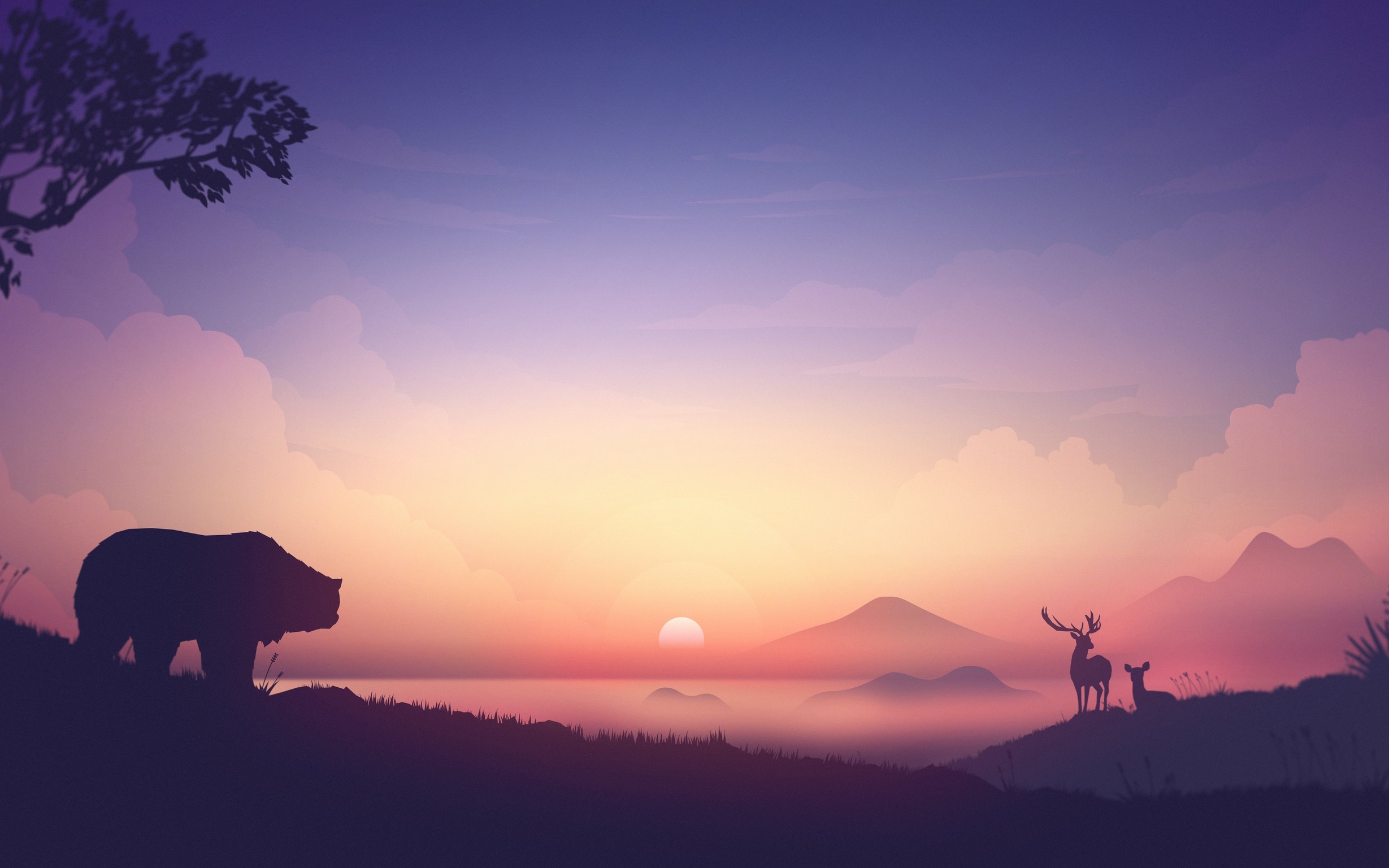
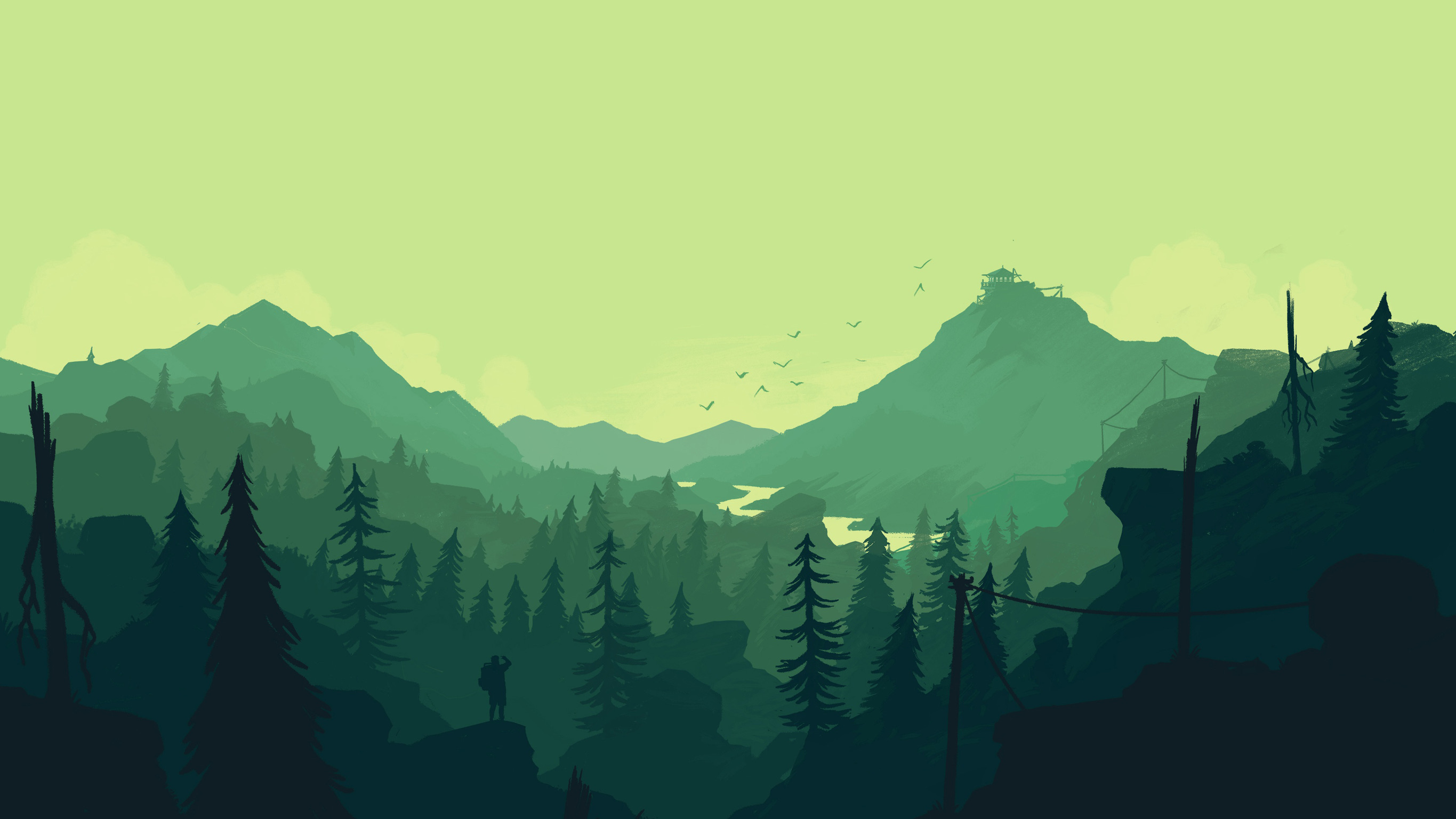One image per line
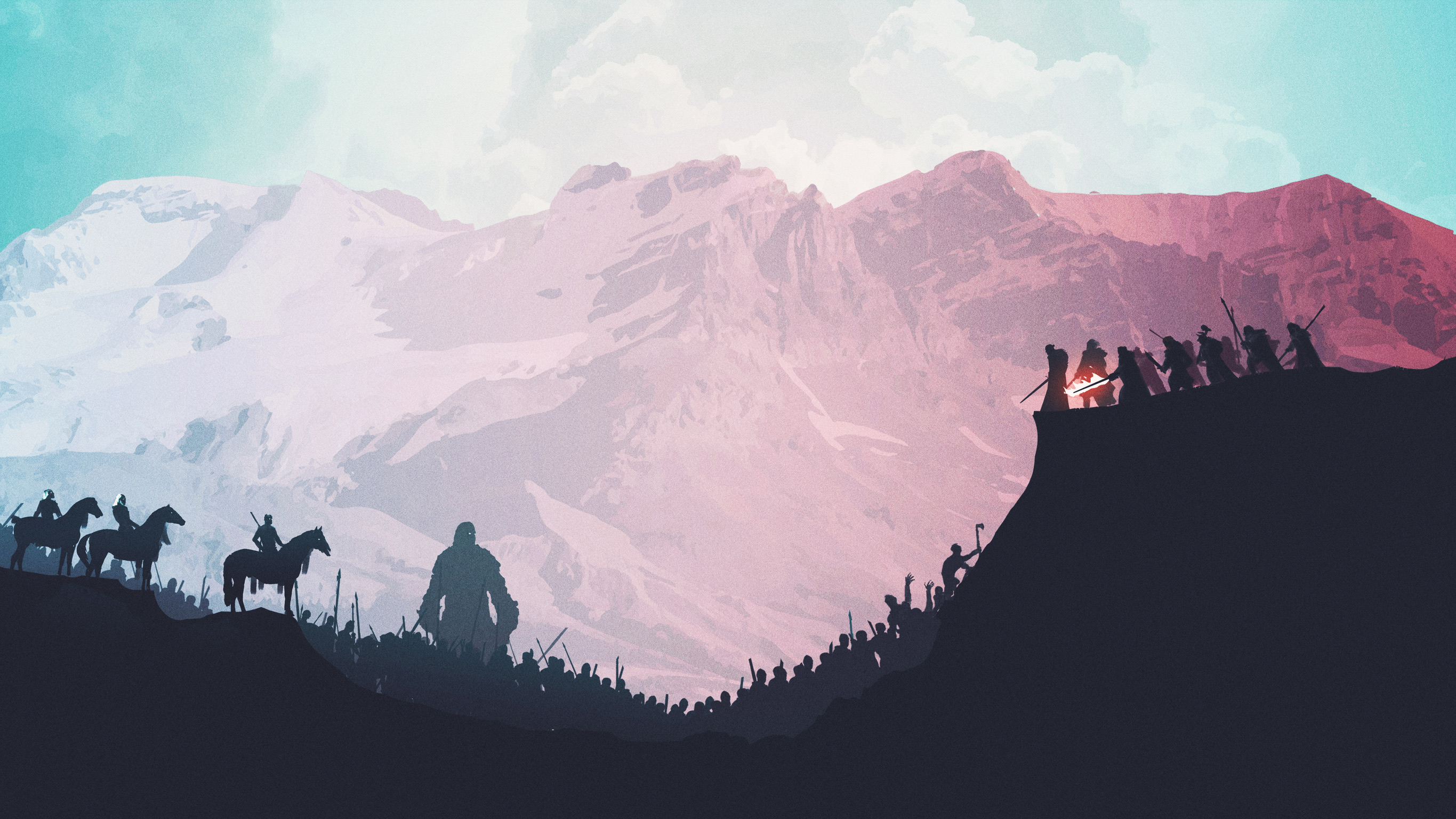Multiple images per line (no line break)


Multiple images per line (2~8 images per line)
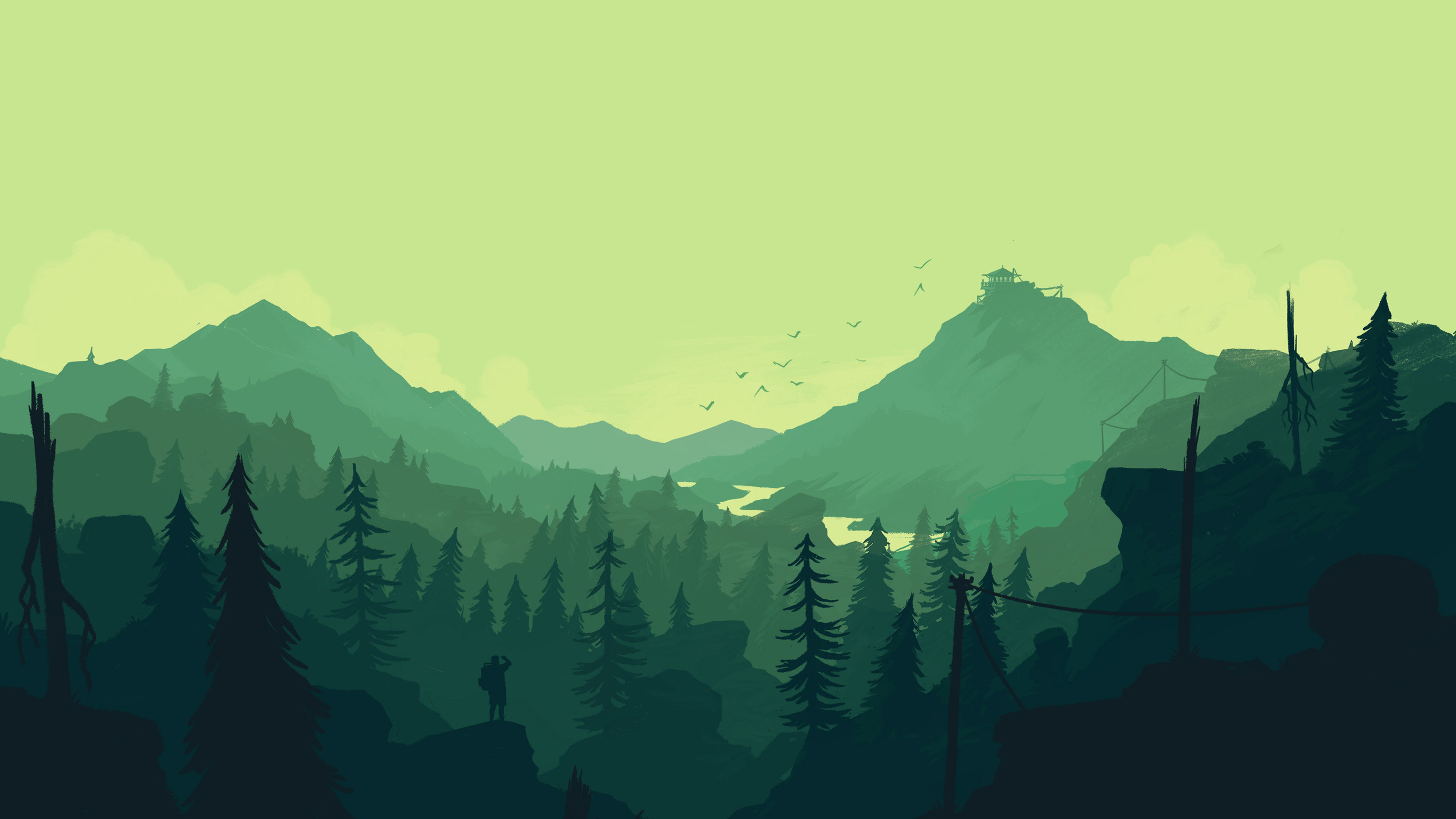
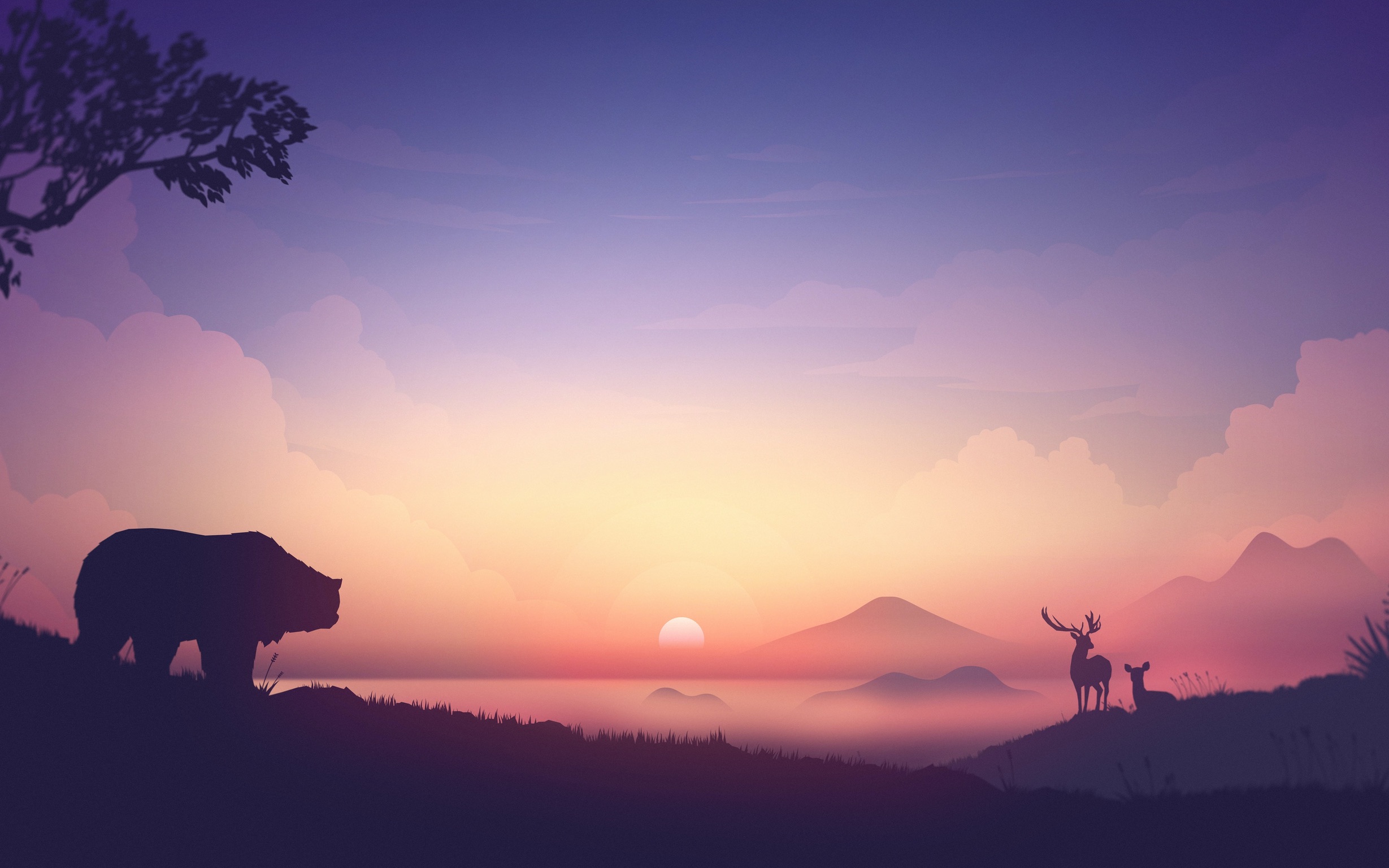


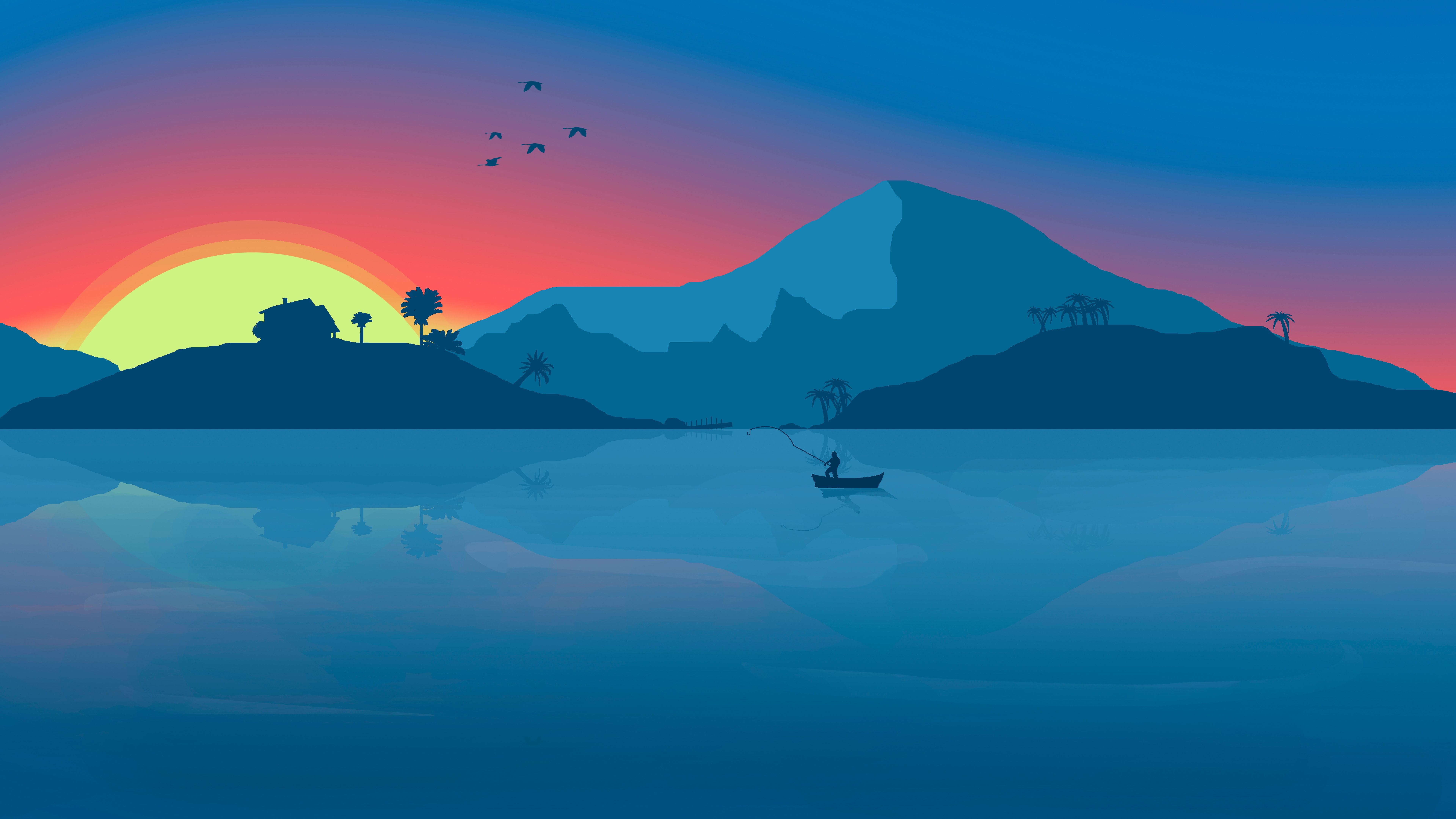



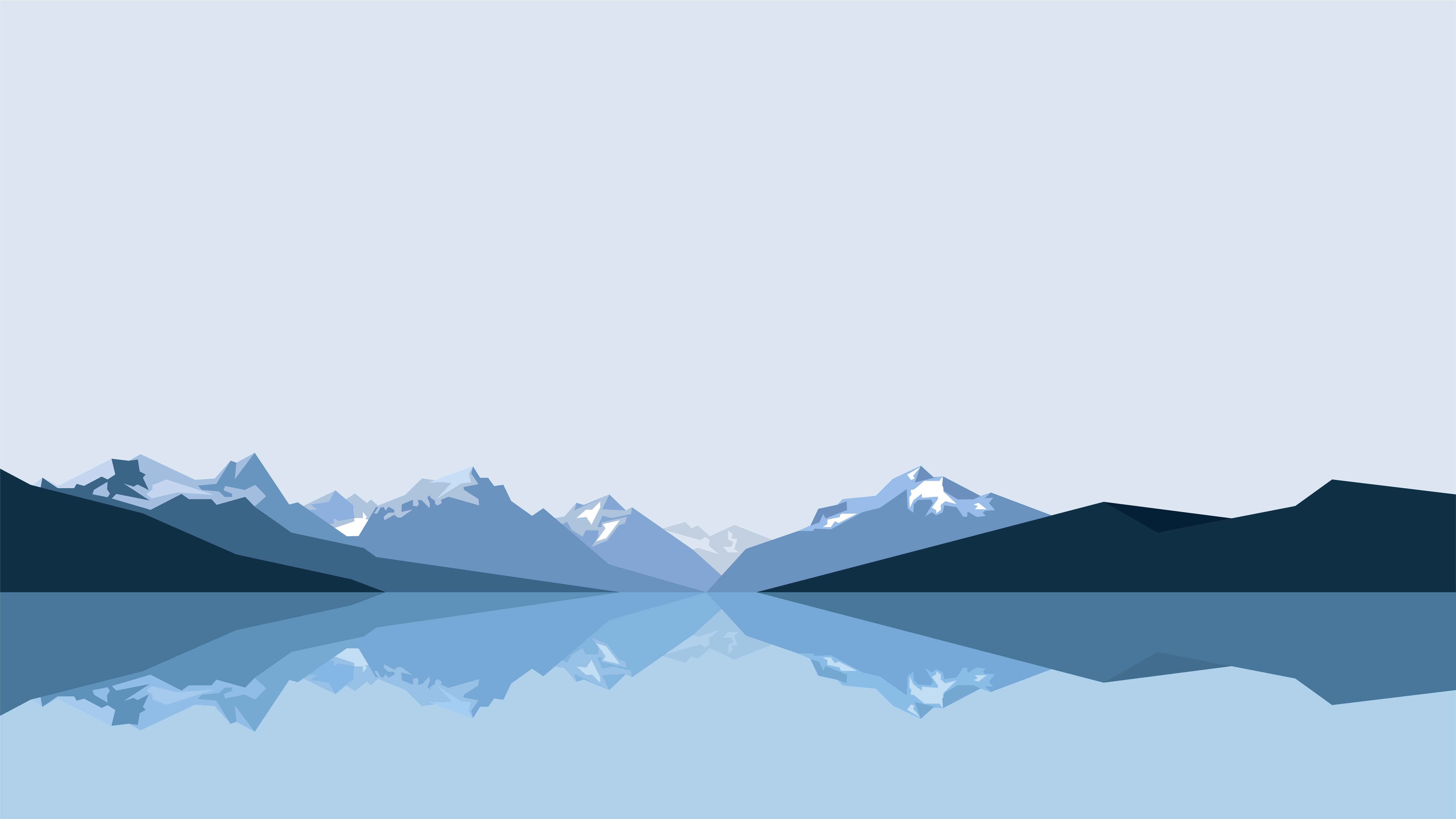

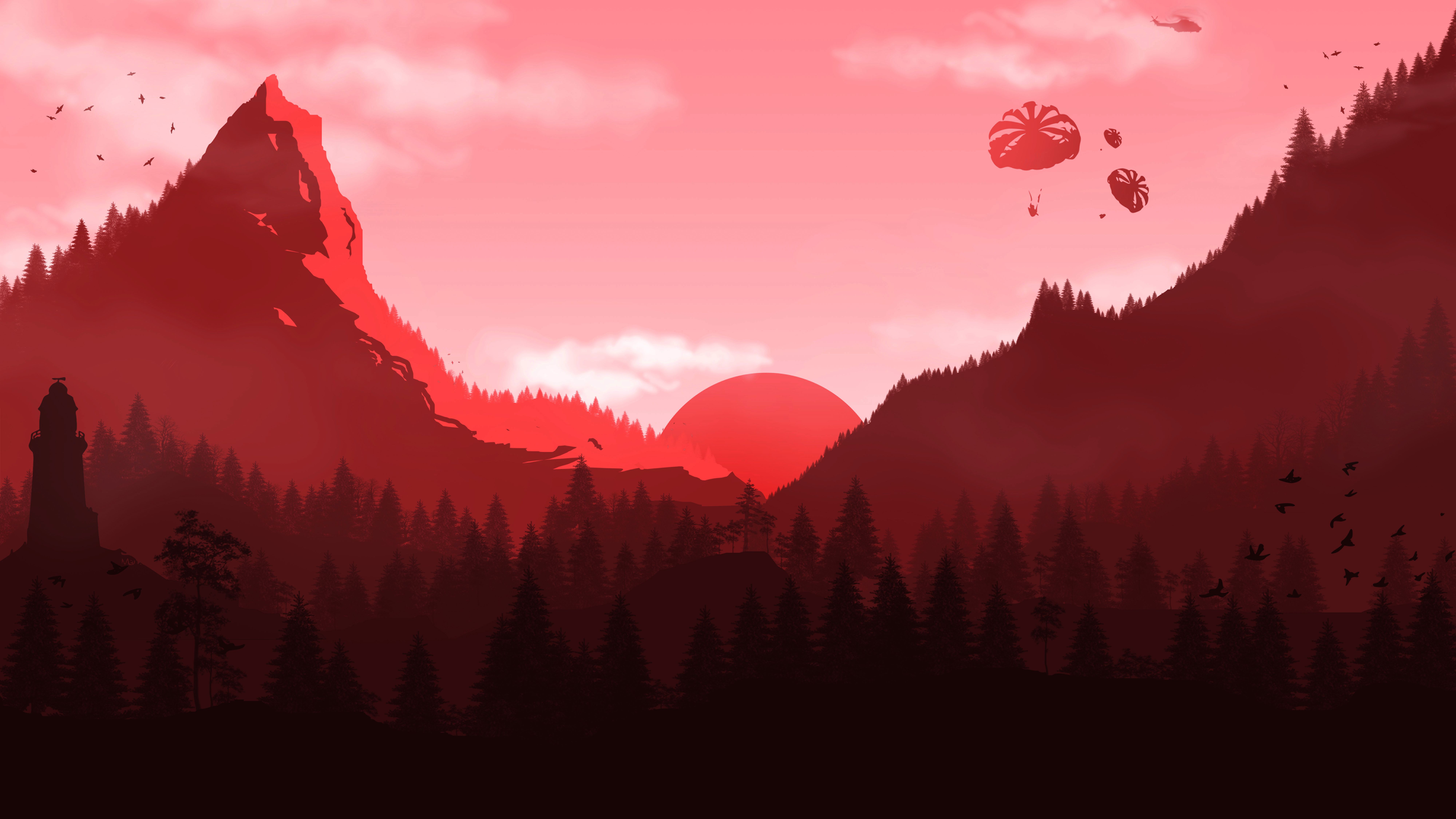


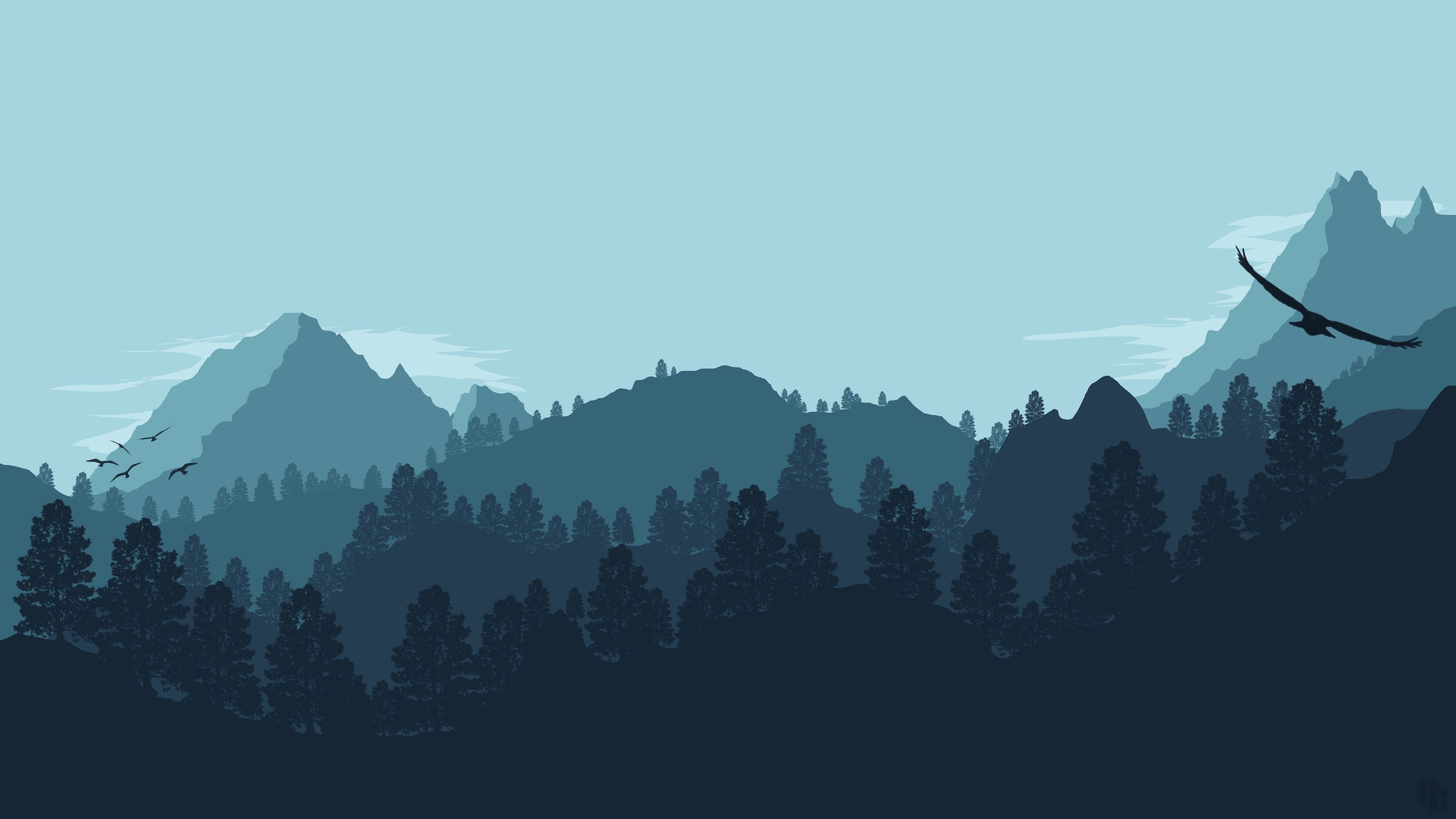







Supported Parameters
Alignment direction
left::center::rightScaling
stretch
Number of columns
:: Directly write the number of columns after the colon, supporting 2~8 columns. After setting the number of columns, it will be in the "multi-line multi-image" layout, with images defaulting to left alignment. To avoid inconsistent image sizes, it is recommended to use stretch together.
Test: Setting the number of columns will not cause cumulative layout shift; not setting the number of columns will cause cumulative layout shift.
Grouping
Similar content will be grouped together.
If you enjoyed this, leave a comment~